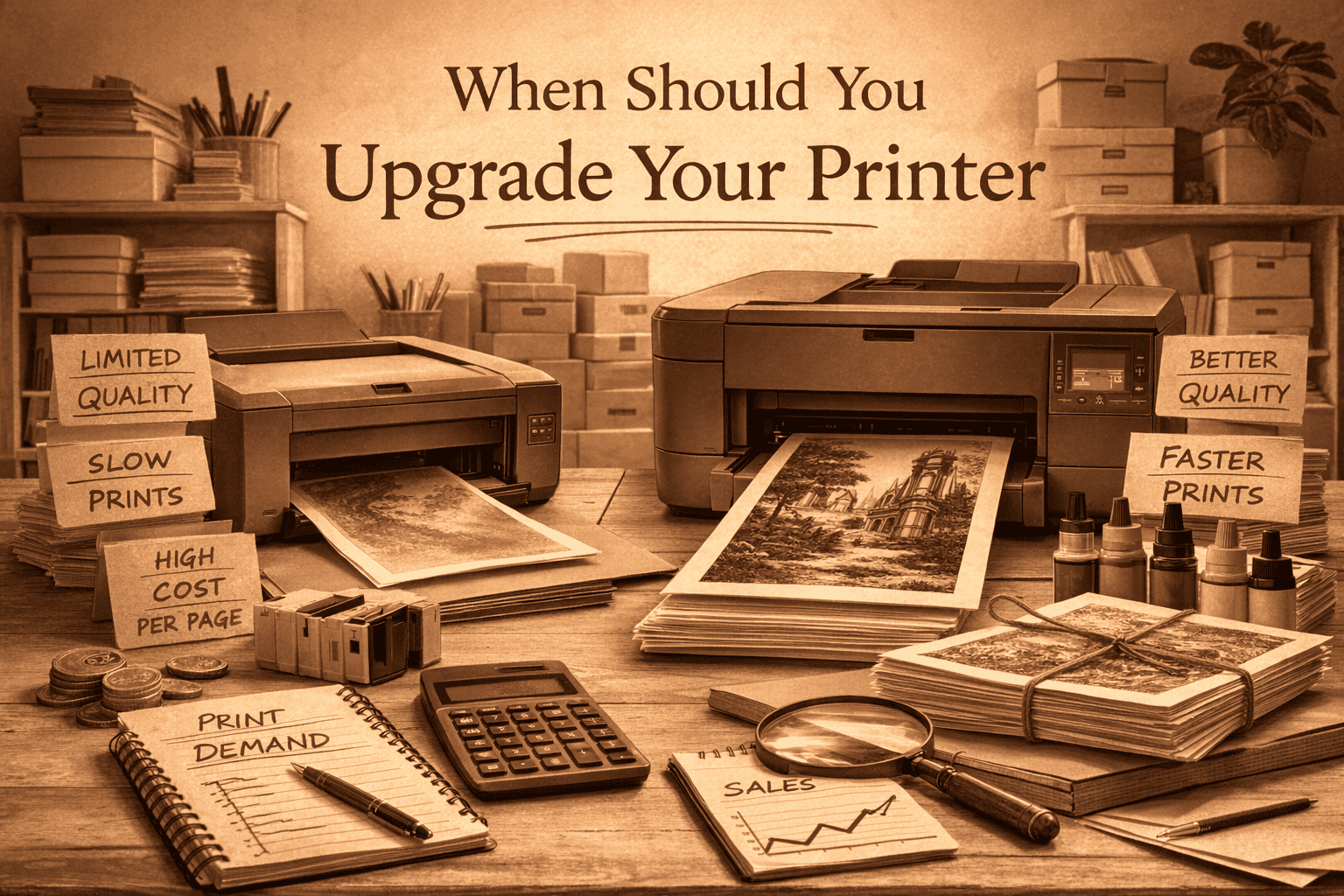
Upgrading a printer is easy to justify.
New models promise better colour, faster output, and lower ink cost. It is easy to assume that better equipment will automatically improve your business.
In a one-person home print setup, upgrades should respond to strain, not temptation.
This page outlines when upgrading restores stability and when it simply increases cost. A broader overview of how printer upgrades fit into the full print stack is covered in tools and equipment for a one-person, home-based print business.
Upgrade When Strain Is Measurable
A printer becomes a constraint when:
- Cleaning cycles become frequent
- Paper feeding starts to drift
- Downtime interrupts batches
- Ink cost per print creeps up
- Volume consistently feels heavier than the machine
If you are planning batches around the printer’s behaviour, it is likely under strain.
If you avoid certain designs because they print unpredictably, that matters more than any specification sheet.
If you are still evaluating whether your current machine is appropriate for your volume, see what printer do you need to sell art prints from home.
Upgrade to remove friction that is already slowing you down.
Do Not Upgrade for Resolution
Modern printers already produce more detail than framed wall art requires.
Once prints leave the printer with consistent borders and balanced colour, extra resolution rarely changes what buyers see.
Many sellers upgrade chasing numbers that customers will never notice.
If complaints are rare and reprint rate is stable, resolution is not your issue.
Volume Thresholds Matter
For most home-based art print sellers:
- Under 75 prints per month, entry-level printers are usually fine.
- Between 75 and 200 prints per month, maintenance rhythm becomes more noticeable.
- Above 200 prints per month, reliability and ink economy start to matter more than initial purchase cost.
These are not strict limits. They are points where pressure often shows up.
If you consistently exceed what the printer handles comfortably, downtime costs more than replacement.
When Cleaning Becomes a Warning Sign
Cleaning exists in any inkjet workflow.
It becomes a problem when it interrupts batches or feels necessary before most runs.
If you are running cleaning often just to get stable output, effective ink cost rises quietly. How those small increases affect what you keep over a month is examined in how much does it cost to print art at home for sale.
Upgrade when cleaning disrupts production, not when it simply exists.
Emotional Upgrades vs Operational Upgrades
Emotional upgrades are triggered by:
- A new model release
- Slightly improved specifications
- The idea that newer must be better
Operational upgrades are triggered by:
- Downtime that affects output
- Reprints linked to printer behaviour
- Feed inconsistency that cannot be stabilised
- Ink cost drift that you can measure
If your current printer produces steady output and you are not compensating for it regularly, upgrading is unlikely to increase what you keep.
A £700 upgrade that does not reduce reprints or cleaning frequency may take months to justify itself.
Better equipment does not fix an unstable workflow.
Capacity and Space
Upgrading changes footprint.
Larger printers require more stable space and clear feed paths. In a spare-room setup, extra size can disrupt layout and movement.
If a larger printer introduces more movement or rearranging during batches, the benefit may be smaller than expected.
Equipment has to fit the room as well as the volume. The relationship between layout, fatigue, and error rate is explored in setting up a small home print workspace.
A Practical Upgrade Test
Before upgrading, ask:
- Am I reprinting because of the printer?
- Is cleaning interrupting batches?
- Is feed drift increasing?
- Has volume clearly outgrown the machine?
- Am I compensating manually more often than before?
If several of these are true, upgrading may restore stability.
If not, you may be trying to solve a problem that does not yet exist.
Hold Steady When Stable
If your printer:
- Produces consistent borders
- Maintains predictable cleaning rhythm
- Handles your paper without frequent misfeeds
- Keeps ink cost within expected range
Then upgrading may add cost without removing friction.
Many upgrades happen months before they are necessary. Most early upgrades do not fix margin problems. They just move money from cash to equipment.
Stability is valuable.
In a one-person public domain print business, upgrading too early ties money up in equipment that was not yet limiting you.
Upgrade when the printer slows you down.
Hold steady when it does not.