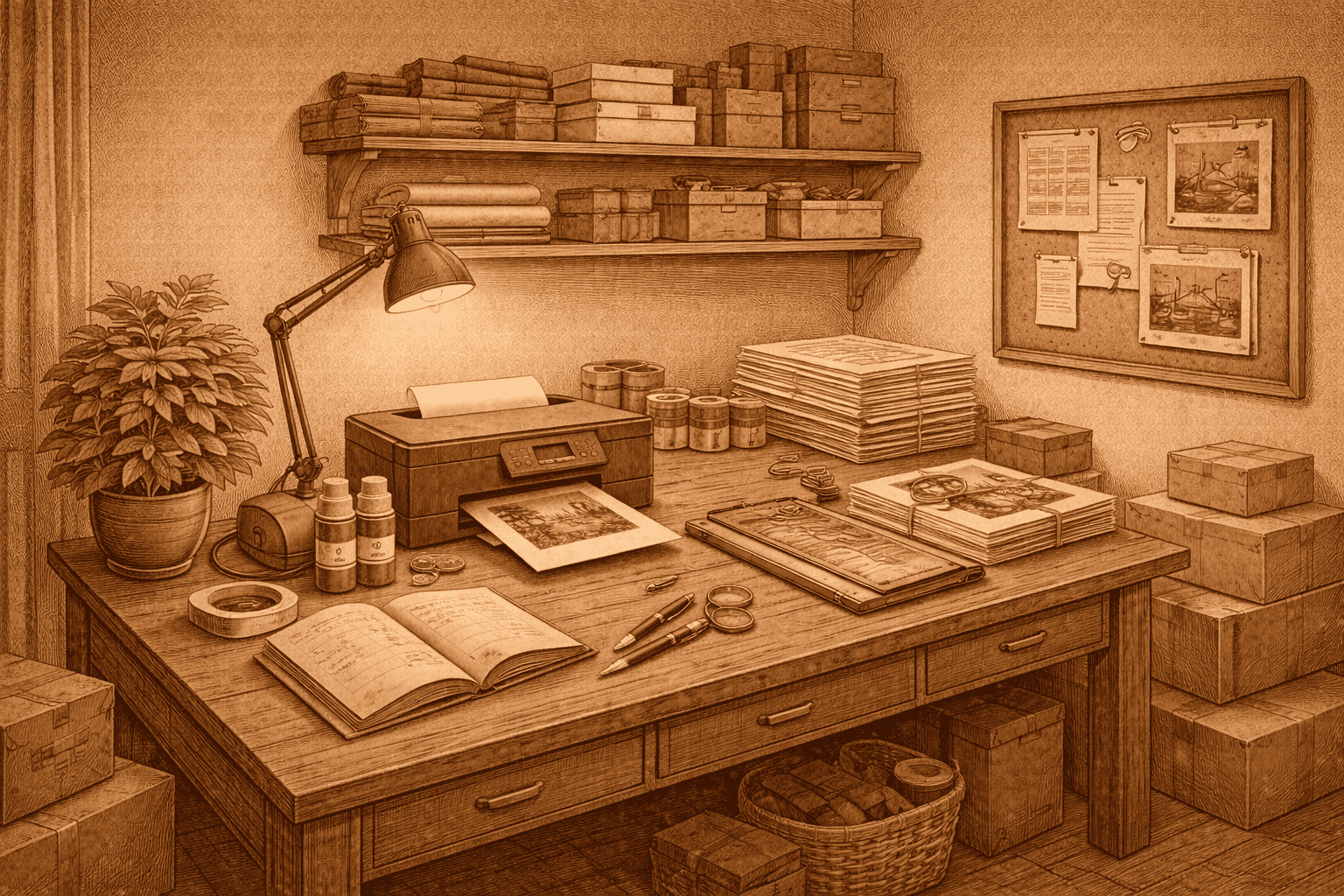
A spare room is not a studio.
It is a working room that has to handle printing, trimming, packing, and storage without getting in your way.
In a one-person public domain print business, layout affects how many small mistakes slip through and how tired you feel at the end of a batch.
This page focuses on keeping your workflow steady rather than making the room look impressive. A broader overview of how workspace layout connects to tools and production flow is covered in tools and equipment for a one-person, home-based print business.
Flow Matters More Than Furniture
The simplest stable setups follow a short path:
Printer → trimming surface → packing area → storage
When that path is broken, prints get handled more than they need to. Extra handling increases the chance of bent corners, light scuffs, and small alignment shifts.
If you are walking across the room repeatedly during a batch, those movements add up.
Keep the distance between printer, trimming area, and packing surface short and predictable.
Printer Placement
Your printer should sit on a firm surface with enough space for paper to feed and exit cleanly.
Avoid placing it where you have to twist or reach awkwardly while collecting prints.
Paper leaving the printer should land flat. If prints curl over an edge or brush against nearby objects, minor defects appear before you even start trimming or packing.
In a spare room, furniture often serves more than one purpose. Stability matters more than how the setup looks.
Trimming and Finishing Surface
Even if trimming is minimal in your workflow, you still need a solid flat surface.
The trimming area should:
- Be level
- Have clear lighting
- Allow the full sheet to lie flat
If the table shifts or flexes, borders become harder to keep consistent. Maintaining consistent borders in a home setup is discussed in how to trim art prints accurately at home.
If the surface is cluttered, finished prints pick up marks easily.
You should not have to clear space every time you start a batch.
Lighting and Error Detection
Household lighting can hide small problems.
Warm bulbs soften contrast and can make slight border imbalance or faint marks harder to see.
Neutral, steady lighting helps you spot:
- Feed drift
- Surface scuffs
- Uneven borders
- Minor colour shifts
Finding those before packing prevents replacements later.
Storage Discipline
Paper, packaging materials, and finished prints need fixed places.
Stacks leaning against walls can warp over time. Boards stored upright can bend slightly without you noticing.
If storage conditions damage materials, the issue shows up during printing or packing, not when the material was stored.
Rotate stock instead of letting it sit untouched for months.
Managing Clutter
Shared rooms mean compromise.
Seasonal storage, household items, or temporary use of tables can interrupt your layout.
Each time the layout changes, small errors become more likely.
Keep consistent zones for:
- Printing
- Trimming
- Packing
- Storage
The fewer adjustments you make between batches, the steadier your output becomes.
Fatigue and Height
Table height affects accuracy more than most sellers expect.
If your trimming surface is too low, your shoulders and wrists tire faster. As fatigue increases, alignment shifts become more common.
This is not just about comfort. It is about keeping borders consistent on the last print of the batch, not just the first.
Stable posture supports stable output.
Workspace and Replacement Rate
Workspace friction does not appear on your listing.
It shows up as:
- Bent corners
- Reprints
- Slightly uneven borders
- Slower batches
Reducing damage through better packing discipline is covered in packaging supplies for shipping art prints safely.
If corner dents, uneven borders, or reprints are increasing and nothing else has changed, examine your layout before upgrading equipment.
Often the room needs adjusting more than the printer does. Clear signs that justify replacing equipment are outlined in when to upgrade your printer and when not to.
A Practical Baseline
For most one-person home print businesses:
- Keep printer, trimming area, and packing surface within a short path
- Store paper and boards flat
- Use steady lighting
- Reduce unnecessary movement during batches
A stable layout reduces how often you have to fix small problems later.
In a spare-room operation, layout discipline protects what the month produces as much as the tools themselves.