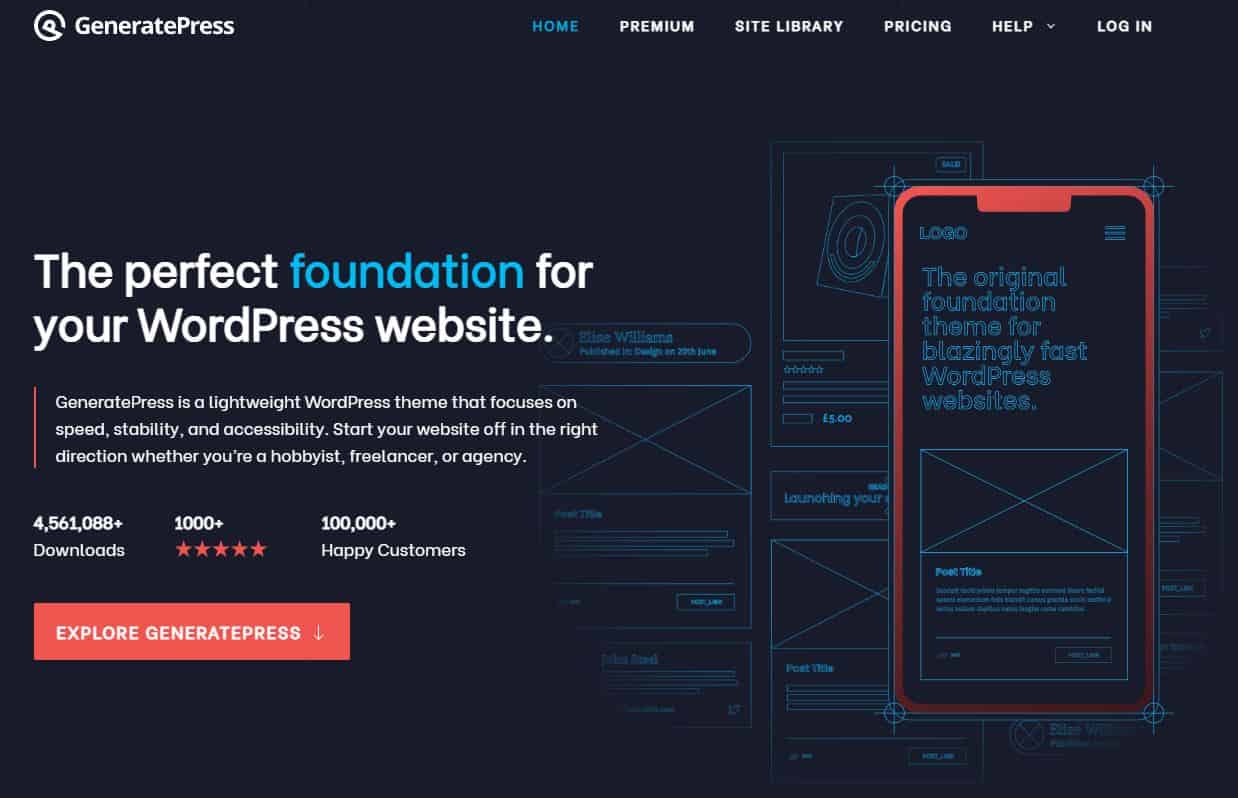
This page documents why I use GeneratePress as the foundation for the WordPress sites I build and maintain.
It is not a comparison roundup or a “best theme” list. It is a record of the stack I have settled on after years of building, rebuilding and maintaining sites while running online businesses.
If you are looking for a fast, stable, content-first foundation that does not need redesigning every year, this setup is worth considering.
If you want heavy visual effects, drag-and-drop builders, or design-led features out of the box, it probably is not.
This post contains affiliate links. You can read my affiliate disclosure for more detail. I chose these tools before I became an affiliate for them, and I would continue using them either way.
What GeneratePress Is
GeneratePress is a lightweight WordPress theme designed to work with the native block editor rather than replacing it with a proprietary page builder.
The theme focuses on performance, structural control and long-term maintainability rather than visual design features.
In practice this means starting with a clean foundation and building layouts deliberately using the WordPress editor, usually alongside a lightweight block plugin such as GenerateBlocks.
GeneratePress forms the foundation of the WordPress stack I use across my sites.
Proof of Long-Term Use
I first bought GeneratePress Premium in 2017.
I have renewed it every year since.
The invoices below cover multiple renewal periods across different sites.



I do not rebuild infrastructure casually. If a theme creates friction or technical debt, I replace it. GeneratePress has stayed.
Seven-plus years of continued use tells you more than a feature list.
The Themes I Used Before GeneratePress
I did not start with GeneratePress.
Before WordPress, I built simple HTML and CSS pages.
When I moved to WordPress in 2009, my first theme was Pro-Sense Blue by Dosh Dosh. It was a simple AdSense-focused blogger theme.
There were three theme versions and the only real difference between them was the colour. That alone shows how much the ecosystem has evolved.
Over the years I used:
- WhiteHouse Pro 3
- Thesis
- Genesis Framework and multiple StudioPress themes
- Divi
Each one reflected a different stage of WordPress.
Thesis was powerful, but when version 2 launched it changed behaviour in a way many users struggled with. It was not necessarily worse, it just broke expectations.
Genesis and StudioPress were stable for years. I still hold a lifetime developer licence.
But after the acquisition and gradual decline in development focus, it became clear the framework was no longer evolving in a way that made sense for new builds. I stopped using it.
I spent a short period with Divi. It is easy to use and visually flexible, but it leaves a large amount of redundant code behind if you ever want to move away from it.
They later introduced a builder plugin to address this, but it never fully removed the lock-in risk.
The code it generates also is not something I would choose for long-term structural simplicity. I still have a lifetime licence. I never use it.
Throughout all of these choices there was a pattern.
None of them were design-led decisions. They were all text-first and relatively lightweight because I wanted to focus on publishing.
I have never built a site where design was the product. The product has always been the content.
When I first came across GeneratePress, that bias is what appealed to me. It was restrained, structurally clean and intentionally lightweight. It did not try to impress. It tried to stay out of the way.
That aligned with how I build.
Why I Treat Website Tools as Infrastructure
For me, website tools are infrastructure.
They are not branding exercises or design experiments. They sit underneath the work.
What I care about is:
- Stability
- Performance
- Low maintenance
- A foundation that does not need rethinking every year
That same philosophy is why I rely on tools like Perfmatters for performance control and Slim SEO for technical SEO.
Most WordPress site owners eventually run into avoidable problems.
- Themes become bloated.
- Page builders lock you into systems that are hard to leave.
- Layout decisions compound into mess.
- Updates break things that used to work.
I do not want the site itself to become the project.
GeneratePress and GenerateBlocks help me avoid that.
Why I Use GeneratePress as My WordPress Theme
GeneratePress is the WordPress theme I use across my sites.
The free version is solid. The Premium plugin is what makes it viable long term.
What matters to me is predictable behaviour. I want a theme that does not fight me, does not require constant optimisation, and does not push me towards over-design.
GeneratePress works cleanly with the WordPress block editor. It has adapted as WordPress has evolved without forcing rebuilds. It does not attempt to replace the editor with its own system.
I am not building visually dramatic sites. I am building commercial assets. The theme needs to support that without becoming a dependency risk.
That is what it does. Every commercial site I currently run is built on this stack.
Is GeneratePress Premium Worth Paying For?
Premium does not transform the theme into something different. It removes friction.
It adds layout control and structural flexibility that make long-term maintenance easier. Headers, spacing, hooks and elements can be adjusted without rewriting large parts of the site.
The value is operational rather than visual.
If you are building anything more serious than a hobby site, the Premium plugin is what makes GeneratePress practical over the long term.
If GeneratePress Premium fits the way you build and you want to see the current features, licensing options and pricing structure, you can review the full details directly on the official GeneratePress site.
Why I Use GenerateBlocks With GeneratePress
GenerateBlocks is the block plugin I use alongside GeneratePress.
It is deliberately small. There are not dozens of novelty blocks. There are a handful of flexible ones that can be combined in different ways.
The blocks I actually use are:
- Container
- Grid
- Headline
- Image
- Buttons
- Query Loop
That is enough.
Instead of learning dozens of one-off blocks, I learn a few properly and reuse them consistently. That keeps layouts predictable and easier to maintain.
GenerateBlocks works with the native WordPress editor rather than replacing it. That reduces long-term lock-in risk.
Is GenerateBlocks Pro Worth Paying For?
The free version is usable. You can build proper layouts with it.
I use Pro because it reduces repetition and keeps the site consistent as it grows.
The features I rely on most are:
- The pattern library for faster layout starts
- Global styles for consistent spacing and typography
- Container links for card-style layouts
- Copy and paste styles
- Device visibility controls
- Custom attributes when needed
None of these are essential on day one. Over time, they remove friction and prevent small layout decisions from turning into structural clutter.
Again, the value is not excitement. It is maintenance discipline.
If you are already comfortable with the block editor it is worth reviewing the feature breakdown and what GenerateBlocks Pro adds over the free version.
Who This WordPress Stack Suits
This setup makes sense if you are:
- Building a content-first site
- Running an affiliate or information business
- A reseller or small operator treating your site as an asset
- Focused on performance rather than design trends
- Willing to learn the WordPress block editor properly
If your website exists to support revenue rather than showcase design, this approach fits.
Who This Stack Is Not For
It is unlikely to suit you if you:
- Want heavy visual animation and design features out of the box
- Prefer drag-and-drop page builders
- Do not want to think about layout structure
- Are building primarily design-led showcase sites
There are themes and builders designed specifically for that. GeneratePress is not trying to compete there.
Pricing and Practical Reality
Both tools offer free versions.
GeneratePress Premium is licensed annually. GenerateBlocks Pro is also licensed annually.
If you are experimenting, the free versions are enough to test the system.
If you are building a long-term commercial site, the paid versions remove friction and reduce maintenance time. For me, that trade makes sense.
If you are interested in how this theme fits into the wider infrastructure I use, I explain the full setup in my minimum plugin stack for a profitable WordPress site.
I measure infrastructure tools by how rarely I have to think about them.
If you want to compare the free and paid versions side by side before making a decision, you can see the full pricing comparison on the GeneratePress Website.
What Would Make Me Leave GeneratePress
I am not attached to any tool.
I have lifetime licences for themes and frameworks I no longer use. When something stops aligning with how I build, I move on.
I would leave GeneratePress if:
- It became bloated or design-driven at the expense of simplicity
- It introduced builder-style lock-in
- Development stalled in a way that suggested long-term decline
- It moved away from clean block editor alignment
- Maintaining sites built on it became more complex over time
So far, the opposite has happened. It has remained stable and adapted without forcing rebuilds.
If that changes, I will reassess.
Where GeneratePress Works Best
GeneratePress works particularly well for websites that prioritise clarity and long-term stability.
It suits:
- Content-first websites
- Affiliate or information businesses
- Commercial sites that prioritise performance
- Sites built primarily with the WordPress block editor
- Operators who want to avoid builder lock-in
Where It May Not Be Ideal
GeneratePress may not suit projects that rely heavily on visual design or builder-driven layouts.
If you want drag-and-drop visual editing, animation-heavy design or a large library of pre-built layouts, a builder-focused theme may be a better fit.
GeneratePress is designed for structural clarity rather than design spectacle.
Closing
I use GeneratePress and GenerateBlocks because they let me build and maintain sites without turning the site itself into ongoing technical work.
They are stable, predictable and low maintenance. That suits how I build revenue-focused sites.
If your priority is performance and long-term maintainability, this stack is worth considering.
If your priority is visual experimentation or builder-driven design, you will likely prefer something else.
If I ever stop using them, I will document that decision here.
This page records a tool decision based on long-term use. Affiliate links are included, but the choice to use these tools was made independently of any affiliate relationship.
If this approach aligns with how you build and you would prefer stable infrastructure over design churn, you can explore GeneratePress and GenerateBlocks further before committing to another framework.